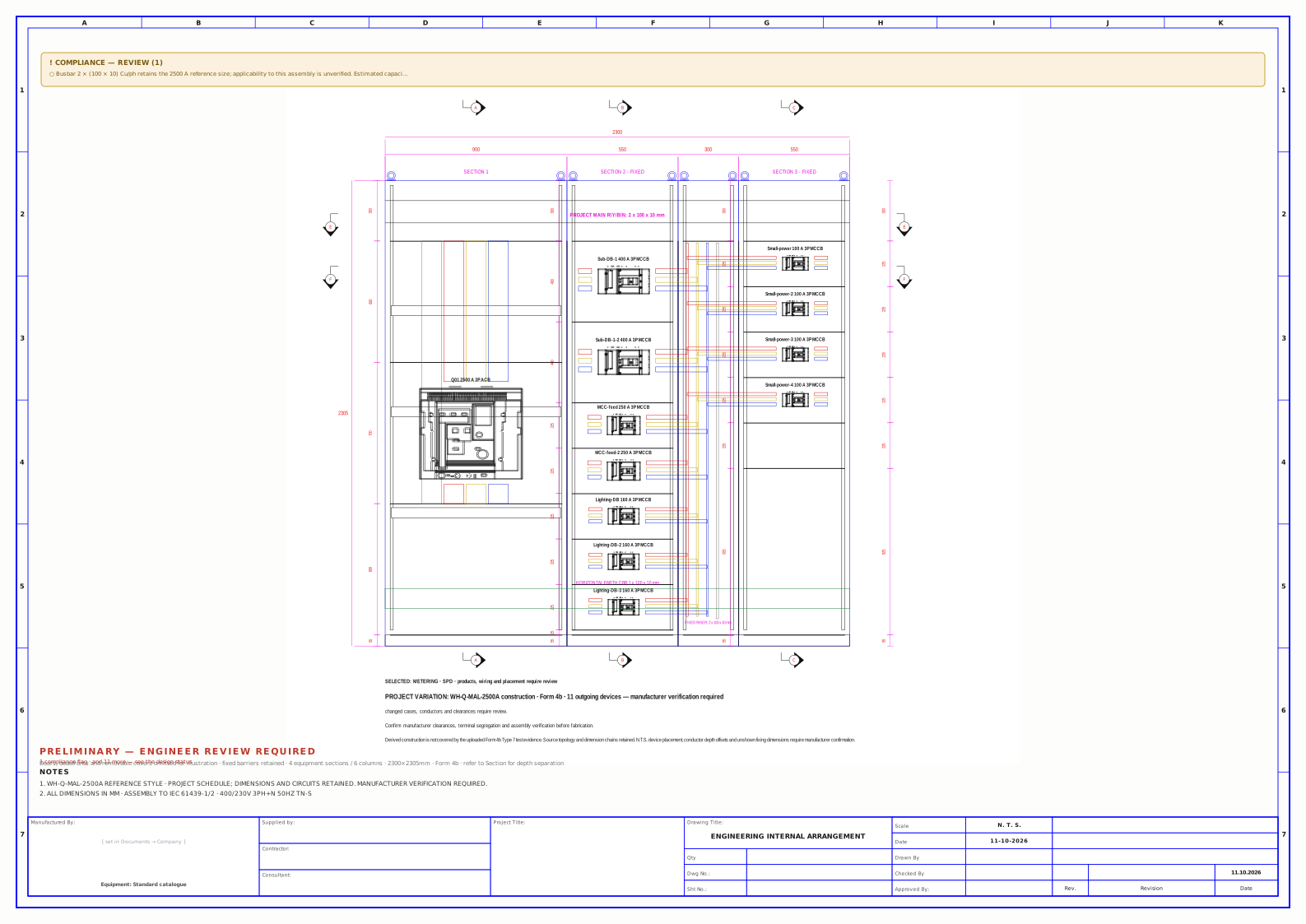
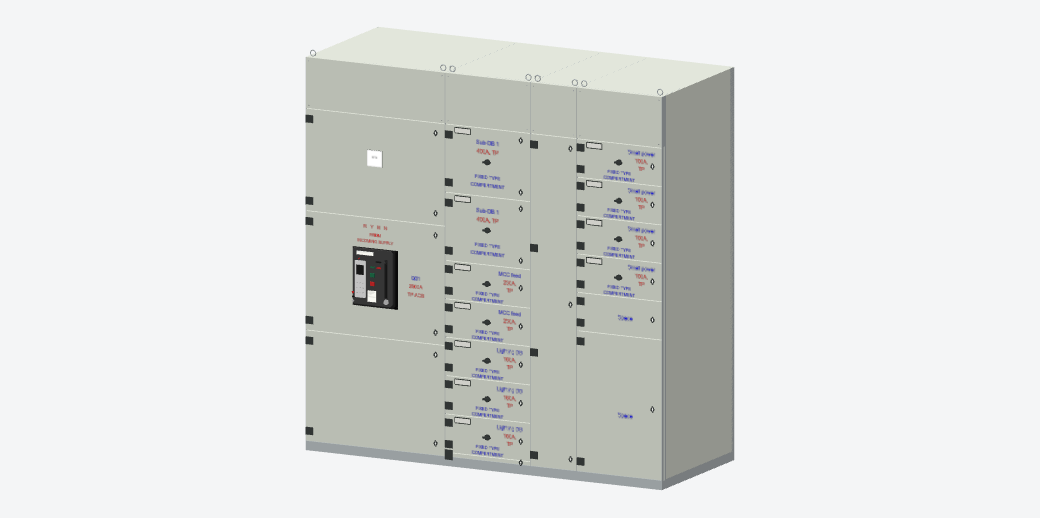
01
Panel engineering
Bring device selection, enclosure arrangements and busbar layouts into one considered design.
- Board configuration
- Device selection
- Internal arrangements
Thoughtful panel engineering. Clear technical drawings. A connected design workspace.
Bring every detail into view.
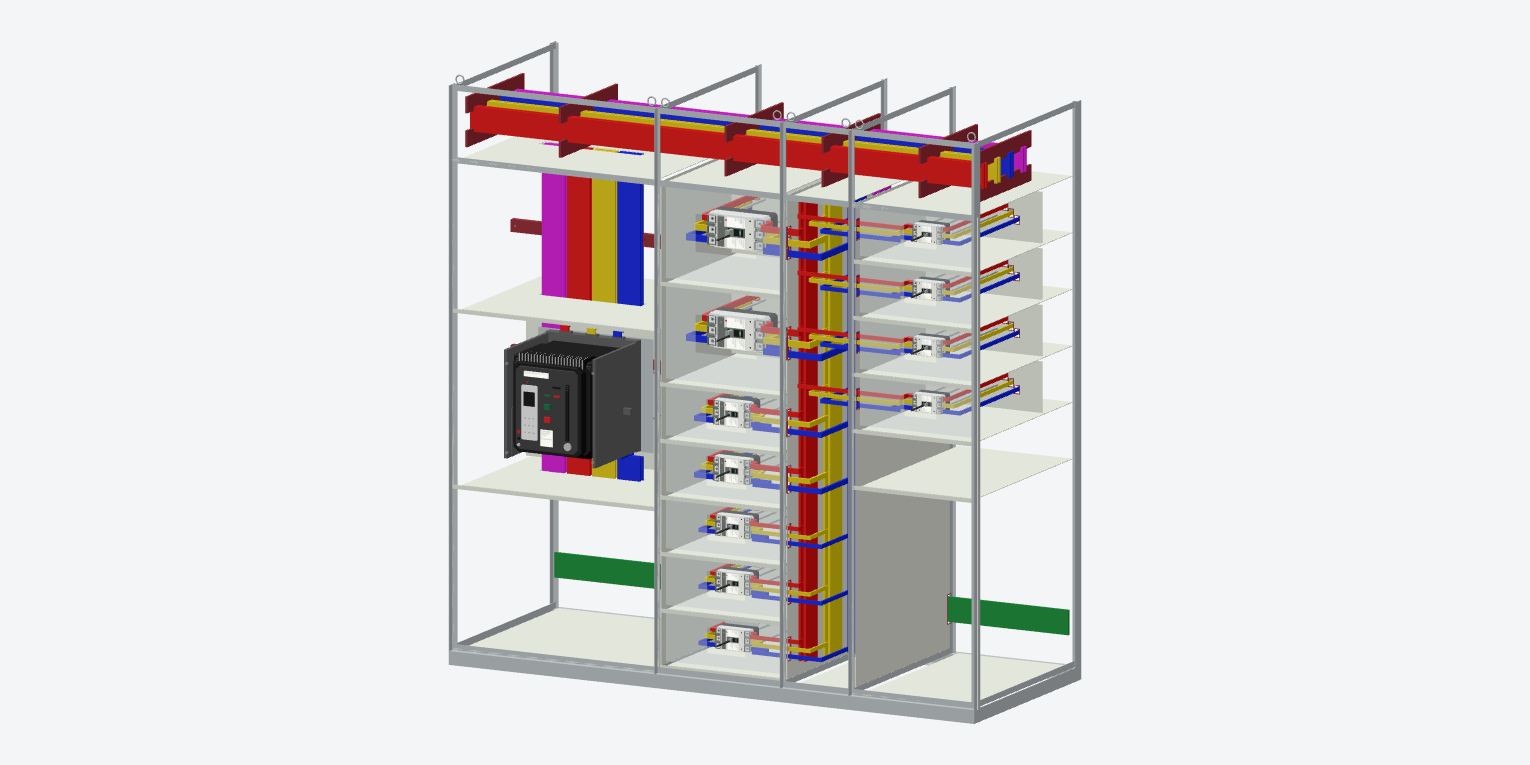
01 / SELECTED WORK
See how the enclosure, devices and internal arrangement come together in the design workspace.
Captured from Nabkil Switchgear Studio · 11 Oct 2026. Sample design; engineering review pending.
02 / OUR EXPERTISE
From the first load schedule to the final offer, we connect the details that move your project forward.
Bring device selection, enclosure arrangements and busbar layouts into one considered design.
Make your design easier to understand, coordinate and review with clear technical outputs.
Translate project requirements into organised quantities and a clearly structured offer.
03 / THE NABKIL PROGRAM
Switchgear Studio brings your load schedule, panel arrangement, drawings and quantities into one workspace.
Less repetition. More room to think through the details.
Launch the program Runs in your browser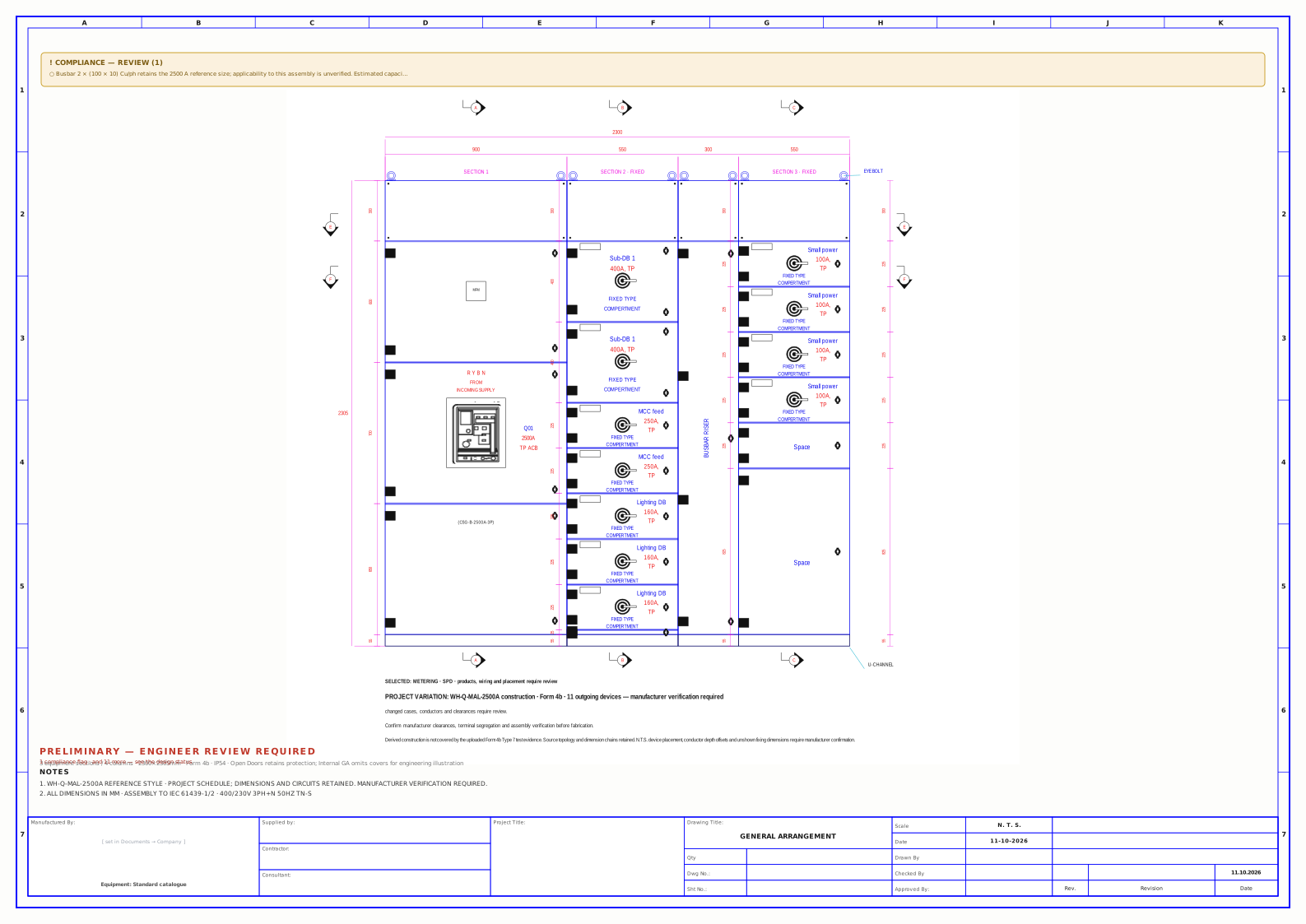 Open original drawing ↗
Original workspace output · 11 Oct 2026. Sample design; engineering review pending.
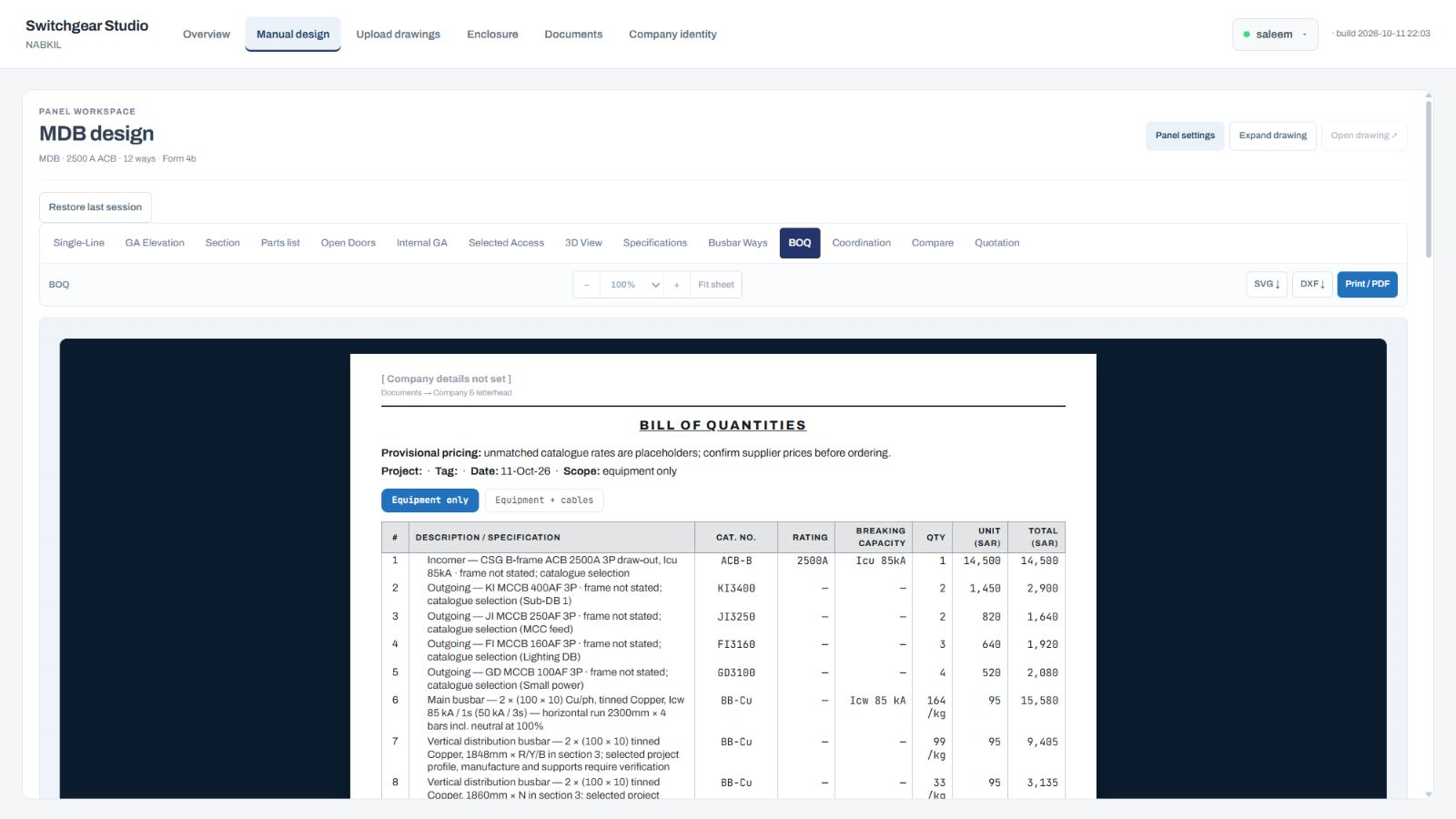 Open original capture ↗
Real workspace capture · 11 Oct 2026. Sample quantities require review. Any displayed prices are provisional, pending confirmation.
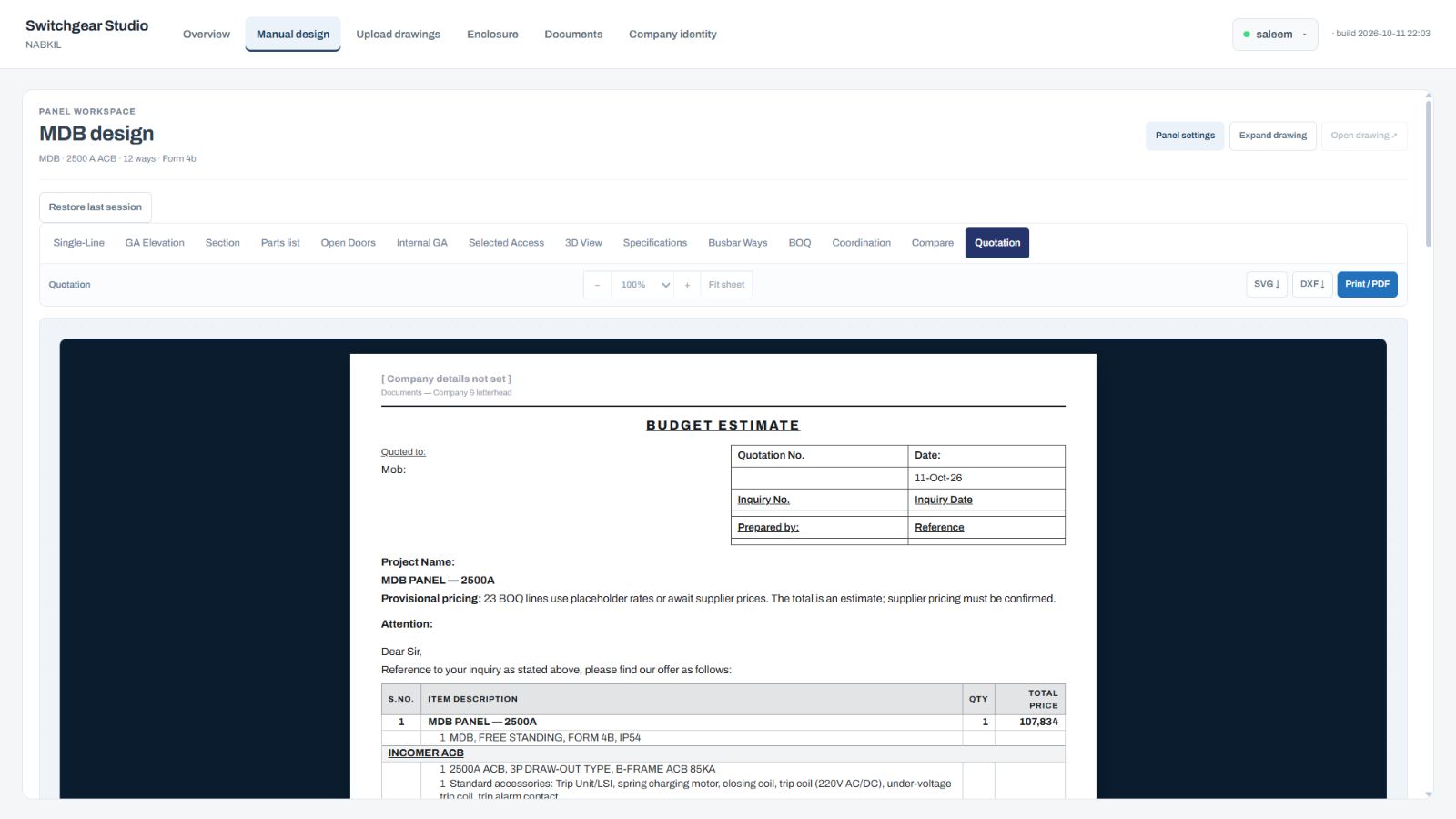 Open original capture ↗
Real workspace capture · 11 Oct 2026. Sample quotation; displayed prices and terms are provisional and require project-specific confirmation.
Start with a load schedule or board details.
Configure devices, layouts and project settings.
Review drawings, quantities and your offer.
04 / WATCH THE WORKFLOW
Watch real selections and updates inside Nabkil Switchgear Studio, with English captions from incomer to 3D.
Choose Play or select a chapter below.
Real interactions captured inside design.nabkil.com, with idle gaps between steps removed. The limited capture frame rate makes movement appear stepped. English captions are included; there is no audio. The demonstration retains engineering review items and provisional prices.
05 / BEHIND NABKIL
Nabkil is the practice of Saleem Kilani, working in electrical switchgear in Jeddah, Saudi Arabia. It brings together panel engineering, technical documentation and the practical work of preparing an offer.
Our software grew from that same work: a way to spend less time repeating drawings and more time thinking through the design.
06 / START WITH WHAT YOU KNOW
Bring your requirements together in three simple steps. Download your brief or add it to an enquiry when you are ready.
Your draft stays in this browser tab. Fill in what you know; you can leave the rest open for discussion.
07 / LET’S BUILD SOMETHING
A panel to design. A schedule to price.
Or a better way to bring it all together.